Blog · Product
What to look for in a workout tracker app
Fast set logging, a rest timer and honest history matter more than a long feature list. A checklist for choosing a gym log.
Ask a lifting community which workout tracker to use and the app names change, but the reasons do not. People stay with the app that gets out of the way.
1. Logging is fast
You log a set dozens of times a session, usually while out of breath. A good tracker lets you enter the numbers and confirm with as few taps as possible. Everything else is secondary to this.
2. The rest timer runs itself
A timer you have to start is a timer you forget. Look for one that begins when you complete a set and tells you when time is up without the app being open.
3. History you can read
You should be able to see what you lifted before and whether you are doing more over the weeks. Graphs are useful only when they are drawn from what you actually logged.
4. No clutter
Social feeds, badges and pop-ups are easy to add and hard to ignore. If you want them, fine. If you do not, choose an app that lets you train without them.
5. Clear terms
Know where your data is stored, whether you need an account, and what is free before you invest months of training history in an app.
How BarbellFit approaches it
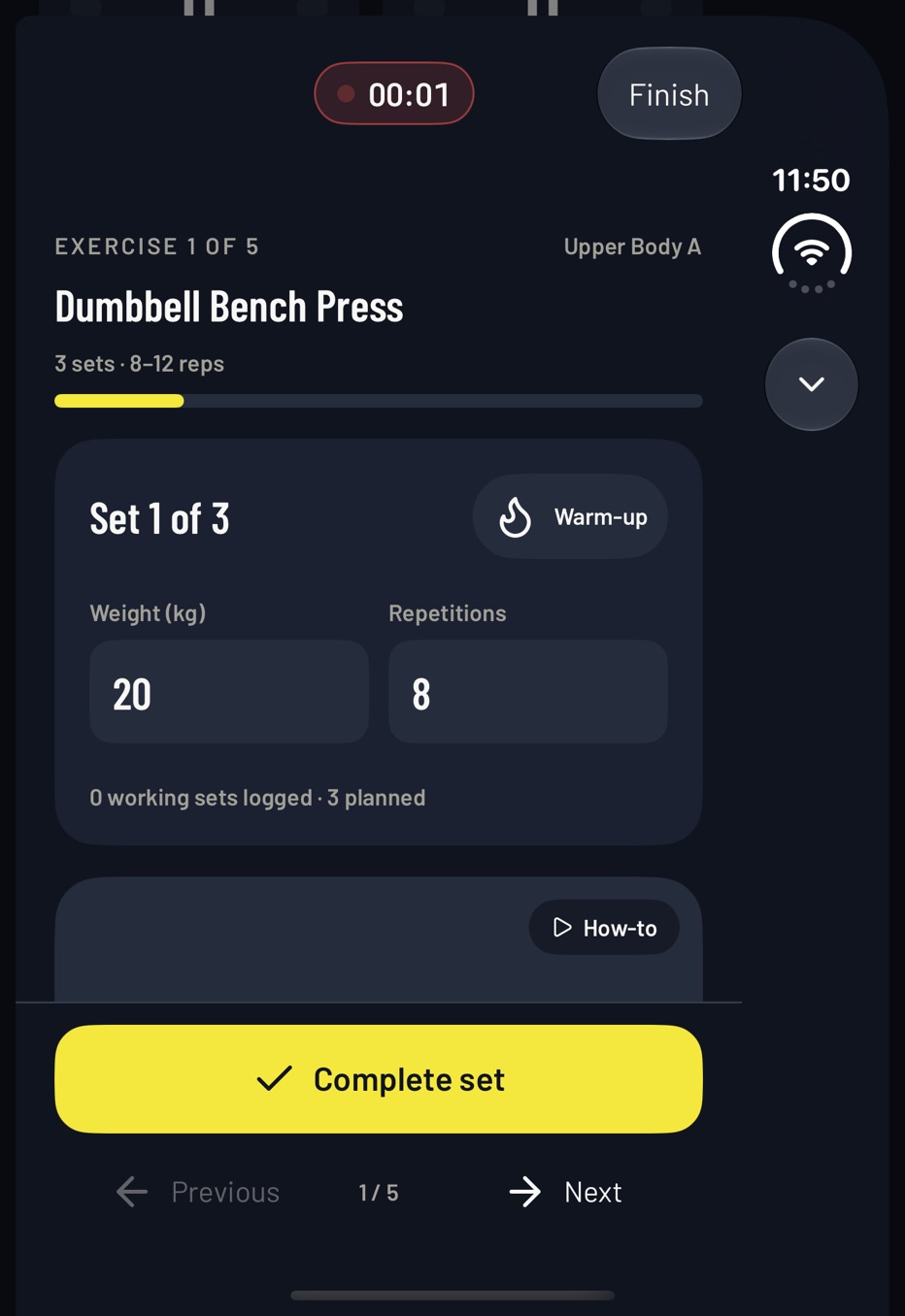
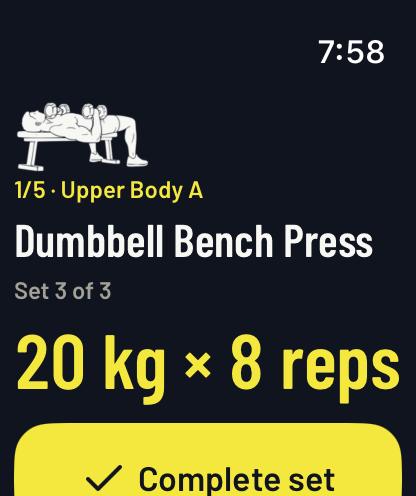
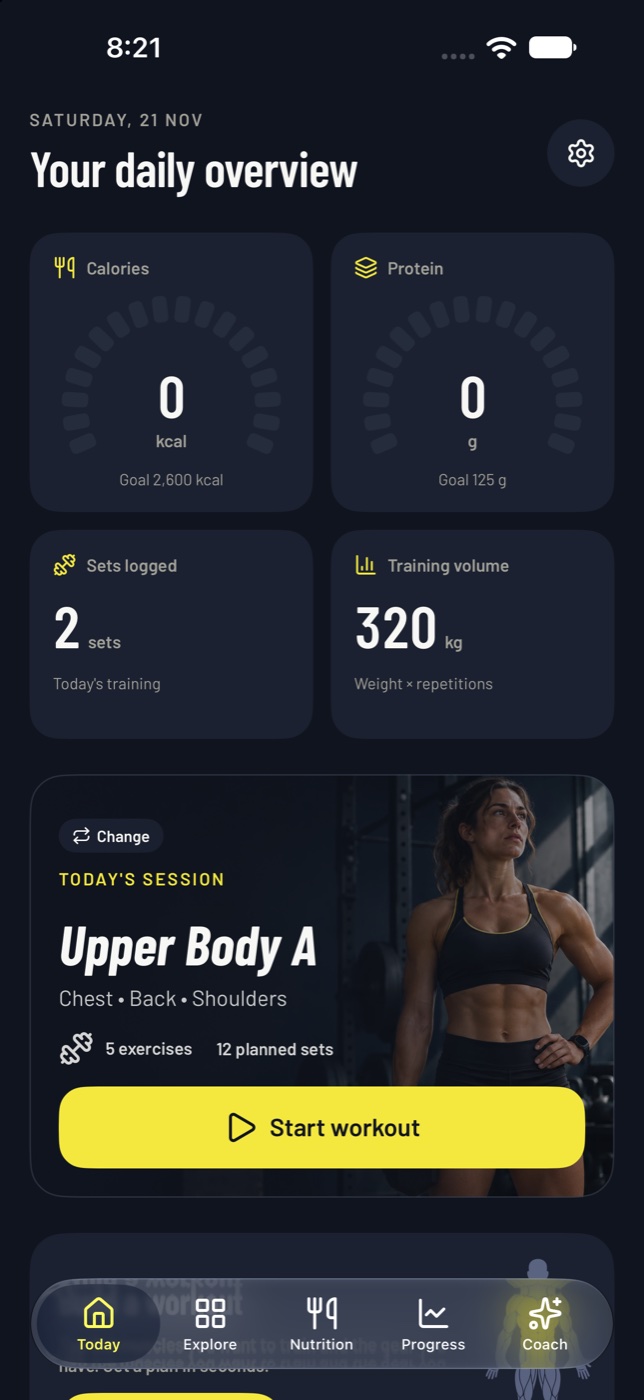
The workout screen puts the current set first: weight, repetitions and one button. Completing the set starts the rest timer, which carries on to the lock screen and Apple Watch. Progress charts use recorded values only. Your log is stored on your iPhone and no account is needed. On iPhone Duo the same screen works closed, on the cover, so you do not have to unfold the phone mid-set.
Common questions
Do I need an app to track workouts?
No. A notebook works. An app earns its place by being faster and by showing your history without flipping pages.
What should I record for each set?
Weight and repetitions. That is enough to see progress and to plan the next session.
Is an Apple Watch useful for lifting?
It is handy for completing sets and seeing the rest timer without picking up your phone.