Blog · Product
Charts that only show what you logged
No estimated calories burned, no trend line drawn through data that is not there.
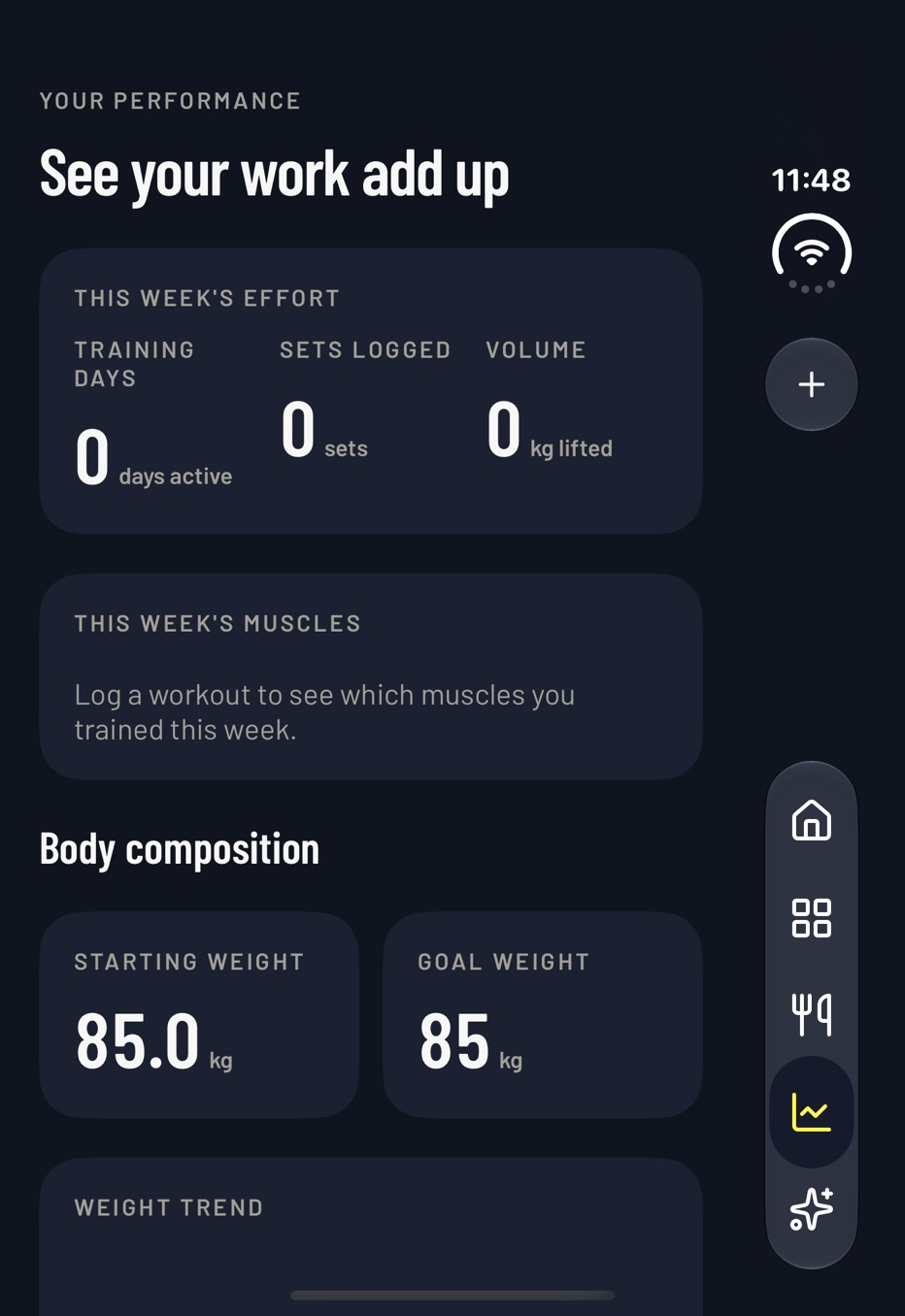
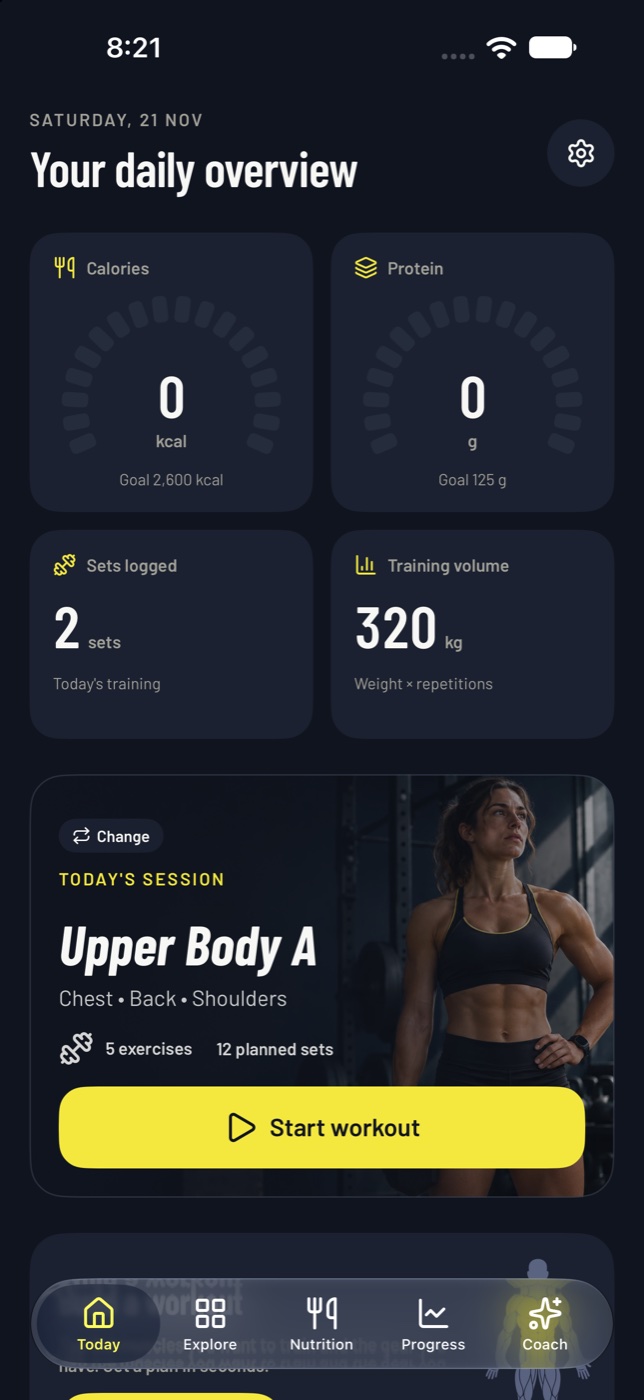
Fitness apps like to fill empty screens. A new account often opens to a chart with a confident line on it, calories burned to the single digit, and a streak you did not earn. It looks good in a screenshot and tells you nothing.
BarbellFit's rule is simple: charts and coaching use recorded values only.
What that means in the app
- Weekly effort counts the days you logged activity, your sets and your volume. Volume is weight multiplied by repetitions, from the sets you entered.
- Your starting weight is labelled as a starting weight, separate from weigh-ins. One number is not a trend, so no trend line is drawn until there are check-ins to draw it through.
- There is no “calories burned” figure, because the app has no honest way to know it.
- Estimates are labelled as estimates. A meal logged from a photo says so in the journal.
Why it matters
You make decisions from these numbers: whether to add weight to the bar, whether to eat more. An empty state that says “log a workout to see this” is less exciting than a made-up chart, but you can trust what replaces it.