Blog · Design
Why setup uses a ruler, a wall chart and a dial
Asking for height and weight with a text field felt wrong for a gym app.
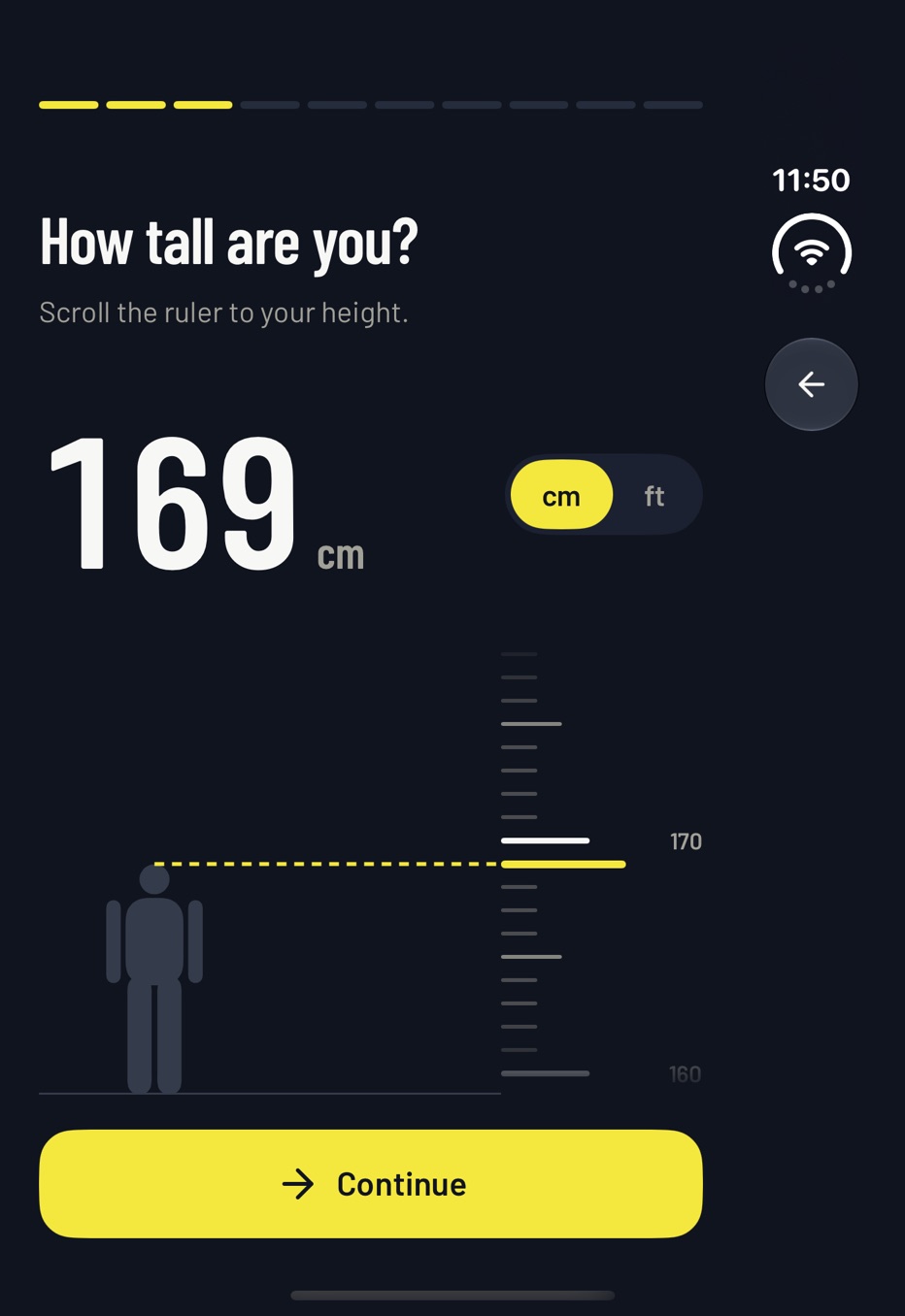
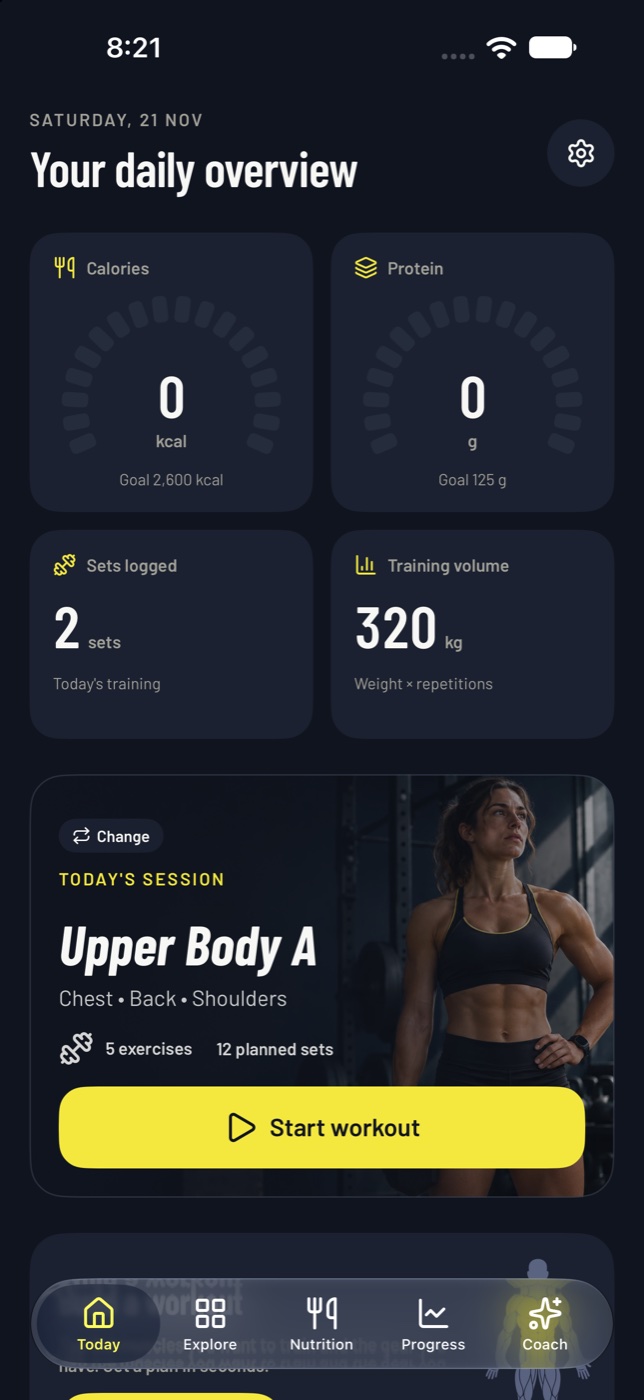
Most apps ask for your measurements with a keyboard. It works, but it feels like filling in a form, and it is the first thing people do in the app.
BarbellFit's setup borrows its controls from equipment you already know. Weight and goal weight are set on a scale ruler with a yellow needle that snaps to each value. Height is a wall chart: a vertical ruler with a dashed line running across to the head of a standing figure. Age is a dial.
One question per screen
Each screen asks one thing, in a plain sentence, with a progress bar across the top. The large numerals are kept for the value you are setting, so the number you care about is always the biggest thing on the screen.
One animation, used once
While your plan is built, a barbell loads a plate on each side as each stage finishes. It is the only orchestrated animation in setup, and it holds still if you have Reduce Motion turned on.
Yellow means one thing
Yellow marks the current selection and the main action, nothing else. When everything is highlighted, nothing is.