Blog · Privacy
What the AI coach sends, and what it never does
The coach is off until you turn it on. Here is exactly what happens when you do.
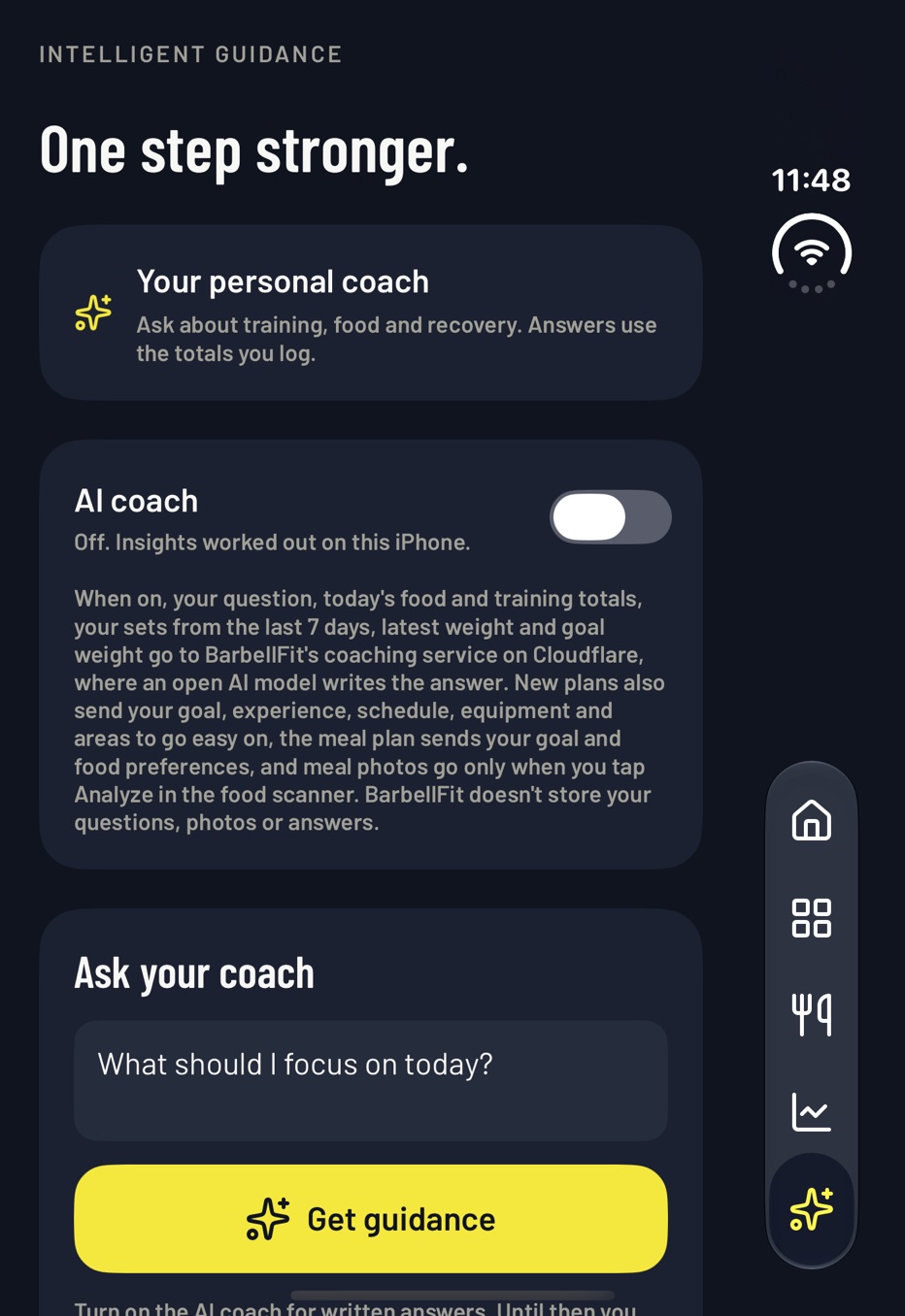
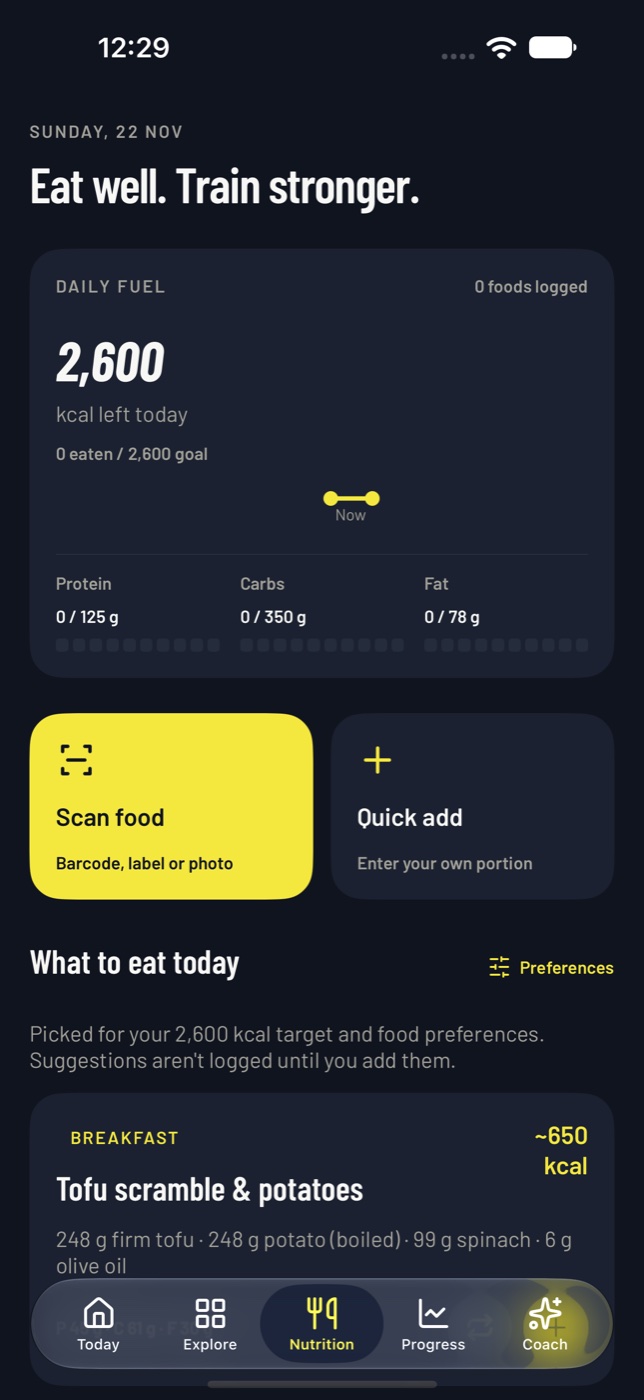
BarbellFit works without AI. Insights on the Coach tab are worked out on your iPhone from your own logs. If you want written answers to your questions, you can turn on the AI coach, and we think you should know exactly what that involves before you do.
Off by default
The AI coach has one switch. It is off until you turn it on, and the screen beside the switch lists what will be sent.
What a question sends
Your question, today's calories and protein against your goals, your sets and volume for today and the last seven days, the name of your planned session, how many weigh-ins you have logged, your latest weight and your goal weight.
What is left out
A plan review does not include your weight, height, sex or name; it sends an age group, not your age. A meal photo is sent only when you tap Analyze, after its location information has been removed. Barcode lookups send only the barcode, and nutrition labels are read on your iPhone.
Nothing is kept
The coaching service does not store your questions, photos or answers.
When it is unavailable
If you are offline or the service has reached its daily limit, the app says so and shows the basic insights. It never presents those as an AI answer.